CSV or manual entry
Drop in a spreadsheet of wallet addresses or type them in. Every address is validated before anything moves.
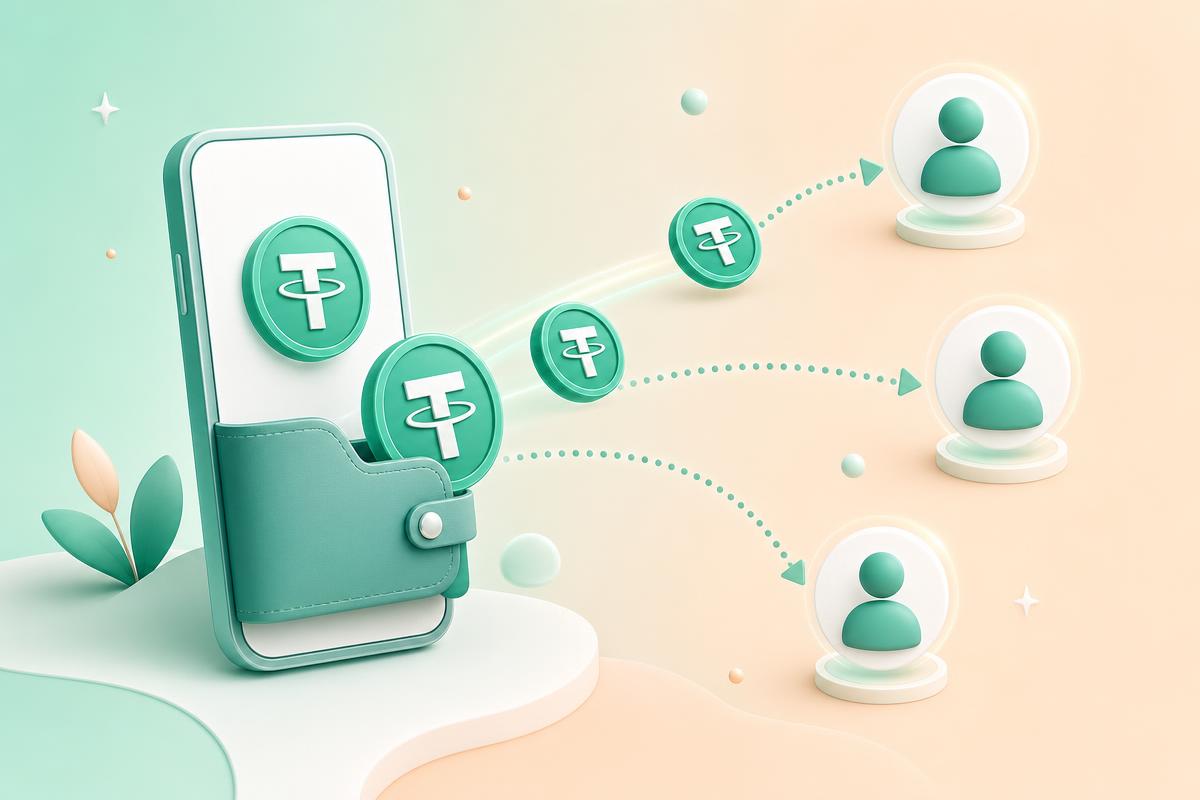
Upload a CSV of wallet addresses, set a total, and distribute USDT evenly across your whole team in a single on-chain transaction. Your keys never leave your wallet.
Everything you need to send a batch confidently, and everything auditors ask for afterwards.
Drop in a spreadsheet of wallet addresses or type them in. Every address is validated before anything moves.
Enter one total and we divide it to the smallest USDT unit, so no cent goes missing on rounding.
Your on-chain multi-send contract pays the whole batch in a single transaction and a single signature.
A configurable platform fee is sent as its own clearly labelled entry. Nothing hidden, nothing surprising.
Every batch, recipient and transaction hash is stored so payroll is auditable months later.
Signing happens in TronLink on your device. We never see, store or touch a private key.
Link the wallet that holds your USDT. Balance shows instantly.
Upload a CSV or paste addresses with optional labels.
Choose the total. Everyone receives an identical share.
Approve a single transaction and the whole batch lands on-chain.
Operators, founders and finance leads who moved their payouts on-chain.
“Payroll for 42 contractors used to take me an entire afternoon of copy-pasting addresses. Now it is one CSV and one signature.”
“The batch history is what sold our finance team. Every transaction hash is right there next to the person we paid.”
“We tested it on Shasta first, then flipped to mainnet the same day. Nothing about the flow changed, which is exactly what I wanted.”
“Keys stay in my wallet, fees are visible before I confirm, and the split maths is exact. That is the whole checklist.”
Paying a distributed team in stablecoins removes the parts of international payroll that cost the most time: correspondent bank delays, currency conversion at unfavourable rates, and payments that silently stall for days. TRC20 USDT on Tron settles in seconds for a predictable network cost, which is why it has become the default rail for remote contractor payments across Asia, Africa, Latin America and Eastern Europe.
The problem is the mechanics. A single transfer is trivial. Forty transfers, each pasted by hand on a Friday afternoon, is a data entry exercise with irreversible consequences. One transposed character in a Tron address does not bounce back the way a wrong bank account often does. A batch sender exists to remove that risk surface: the recipient list is validated once, the arithmetic is done for you in integer units, and the whole distribution is approved in a single signature.
This application is non-custodial by design. It never holds your USDT and never sees your private key. Transactions are constructed in your browser and handed to your wallet extension to sign, so the funds move directly from your wallet to your recipients. The service stores the record of what you sent, not the ability to send it.
Equal splits are computed in sun, the smallest USDT unit, so rounding never creates or destroys value. When a total does not divide cleanly, the leftover fraction of a cent is assigned explicitly and shown before you approve. Platform fees work the same way: a configurable percentage goes to a fee wallet as its own labelled line in the batch, so the total you approve always matches the sum of what leaves your wallet.
Before your first live run, rehearse on the Shasta testnet with free faucet funds. Upload the real CSV format you plan to use, run the whole flow including the token approval, and confirm the amounts on a block explorer. When it looks right, switch the wallet and the application to mainnet, fund the payroll wallet with USDT plus a TRX buffer for fees, and repeat the identical steps with real value.
For deeper detail on any part of this, the guides cover recipient file formatting, Tron fee and energy mechanics, multi-send contracts, wallet security and the split arithmetic in full.
Start on the Shasta testnet, then switch to mainnet when you are ready. Same flow, real funds.